
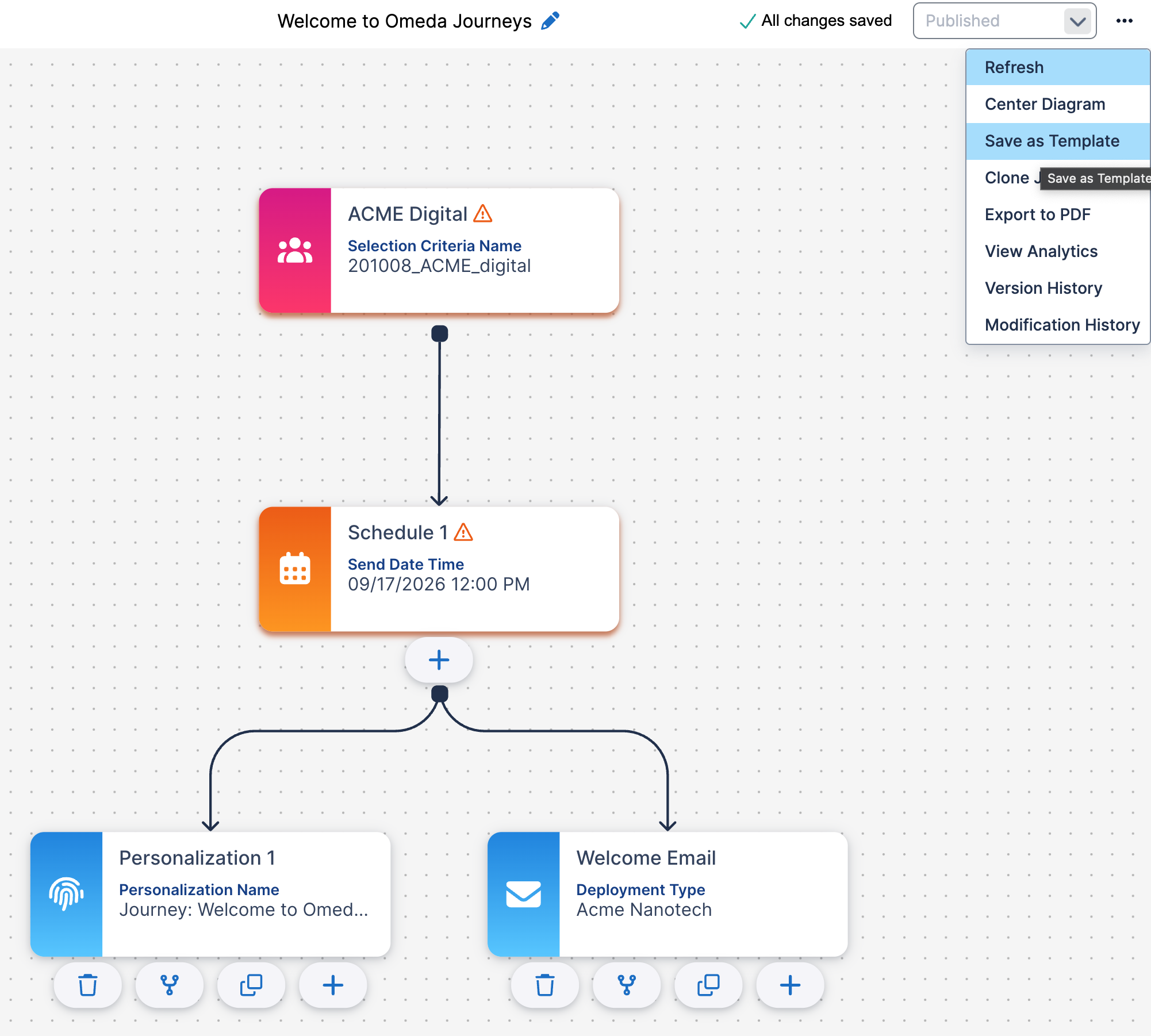
If you’d like to create and use custom templates for your Journey, simply create your Journey and select Save as Template from the ‘…‘ icon on the Journey canvas.
The Element shells and Connections will be saved and accessible from the My Saved Templates button on the Search screen.
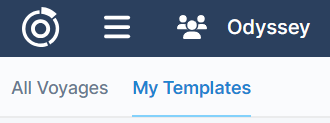
Table of Contents
Table of Contents