
Release Highlights
CDP
Conversion Tracking - Personalizations & Meters
We've introduced conversion tracking for Personalizations & Meters, giving users a direct measure of how on-site content is driving audience action.
Previously, understanding how a personalization or meter was contributing to form submissions required manually comparing impression data against form submission reports — a time-consuming process that was often inaccurate since forms can exist outside of personalizations entirely. There was no native way to attribute a form submission back to the specific personalization or meter that prompted it.
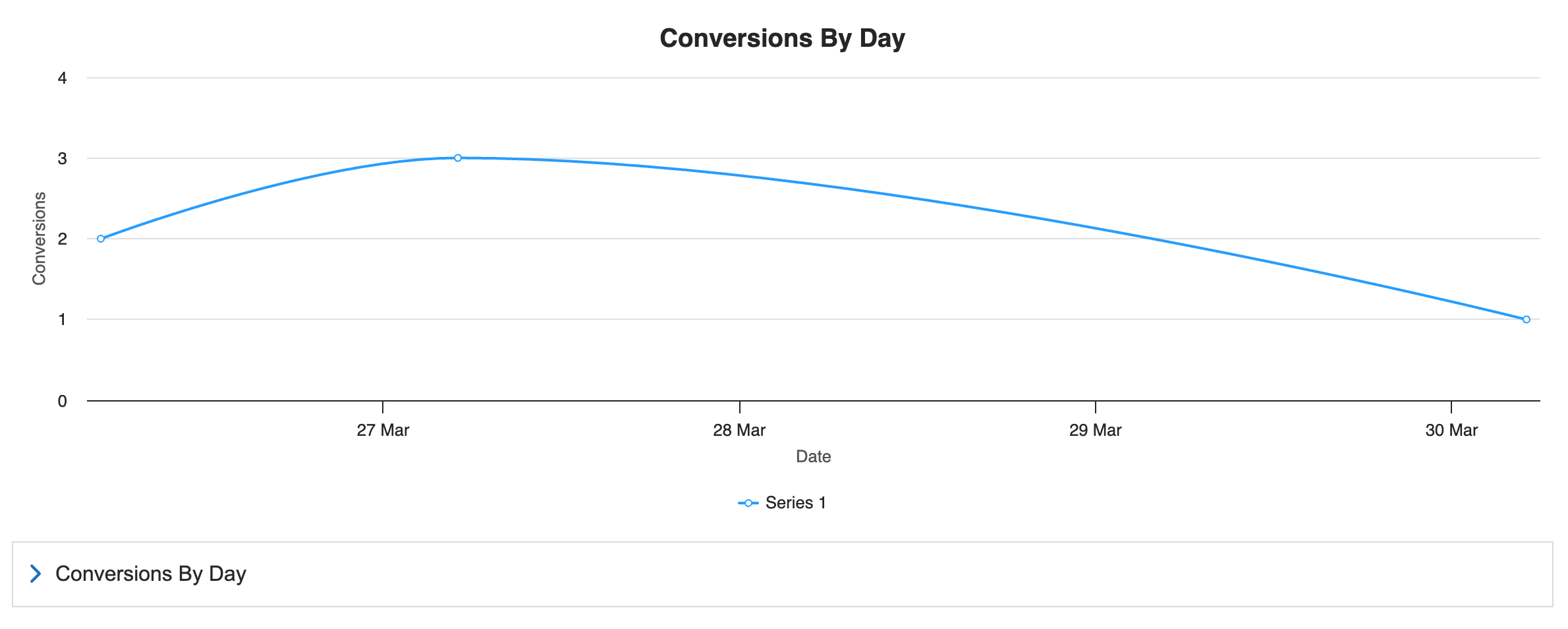
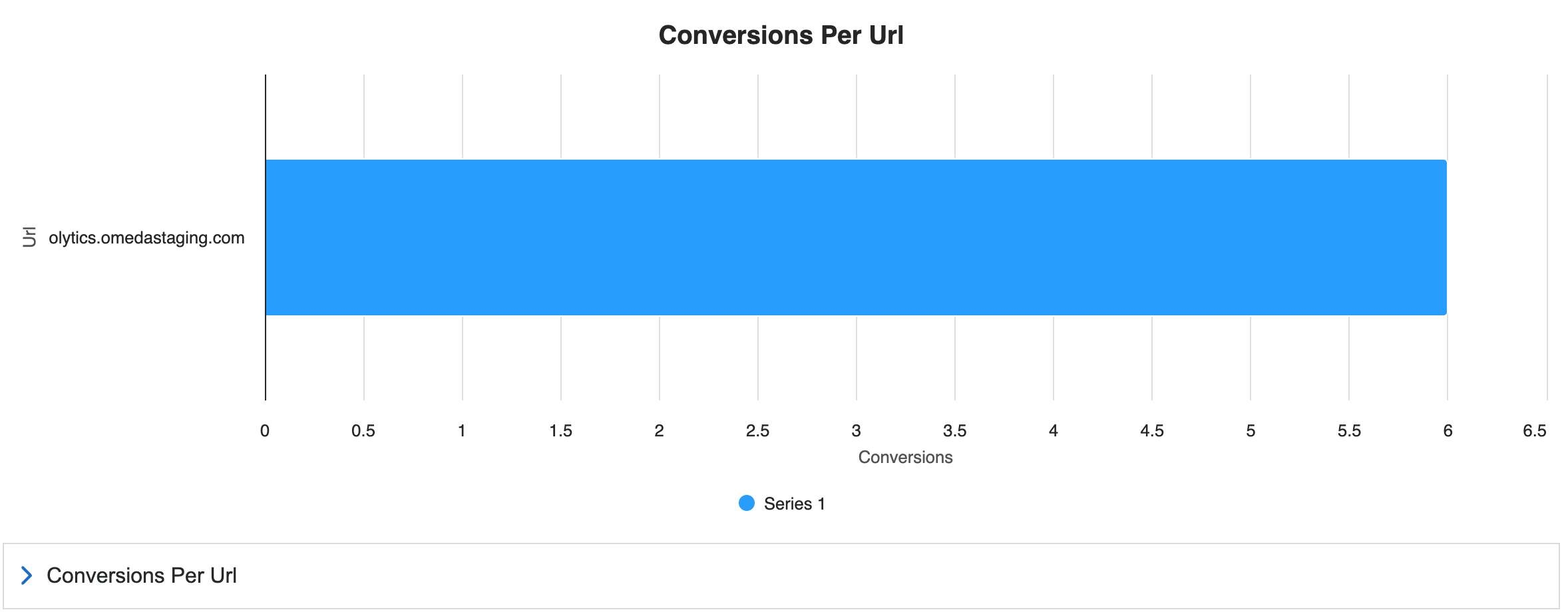
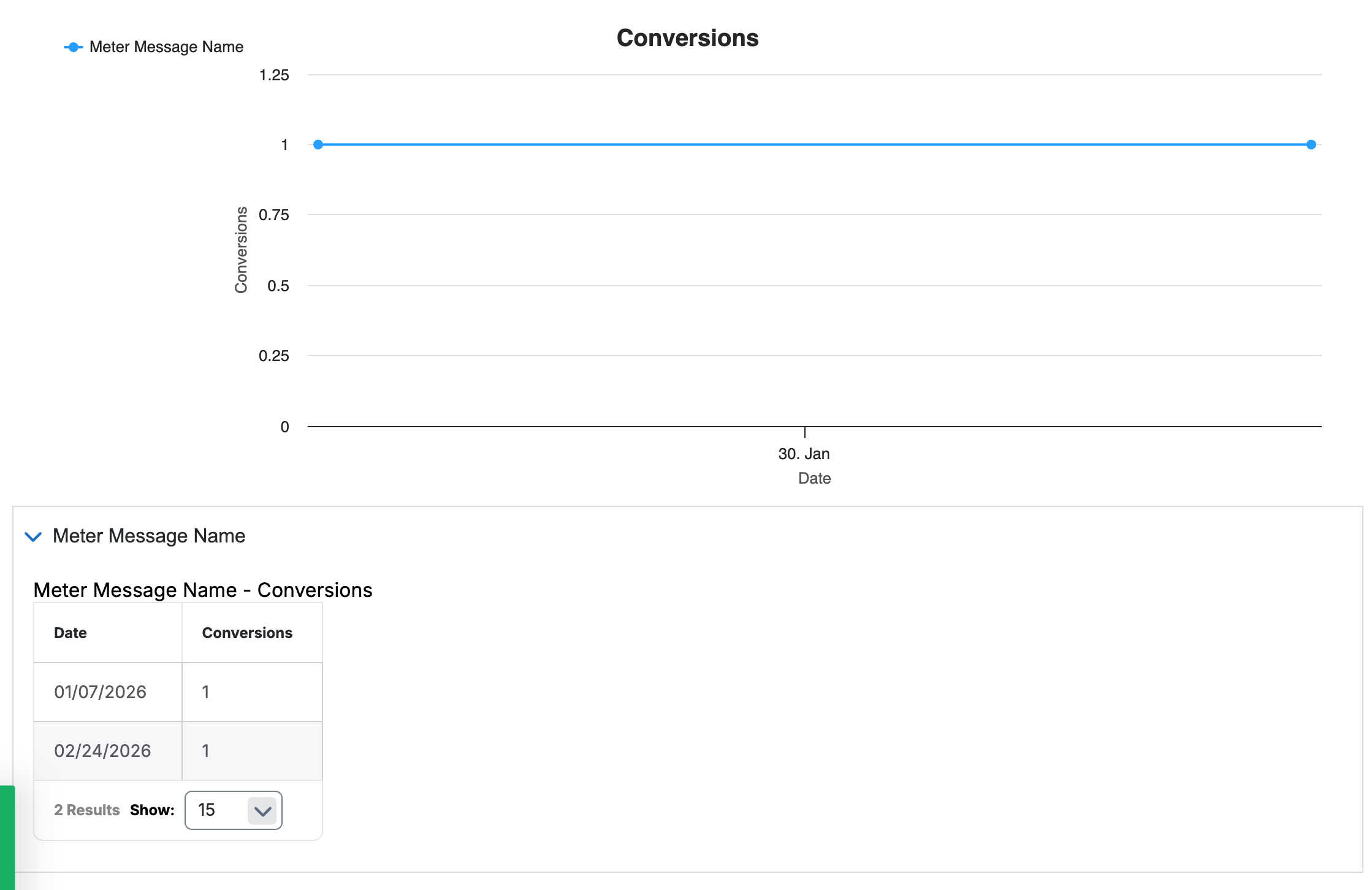
Conversion tracking now captures a conversion any time a visitor submits a Form Builder form rendered within a personalization or meter — when embedded directly, or linked via a button or text link within a form. Conversions are tied to a known customer record, and for A/B tested personalizations, tracked at the version level so users can see exactly which message performed.
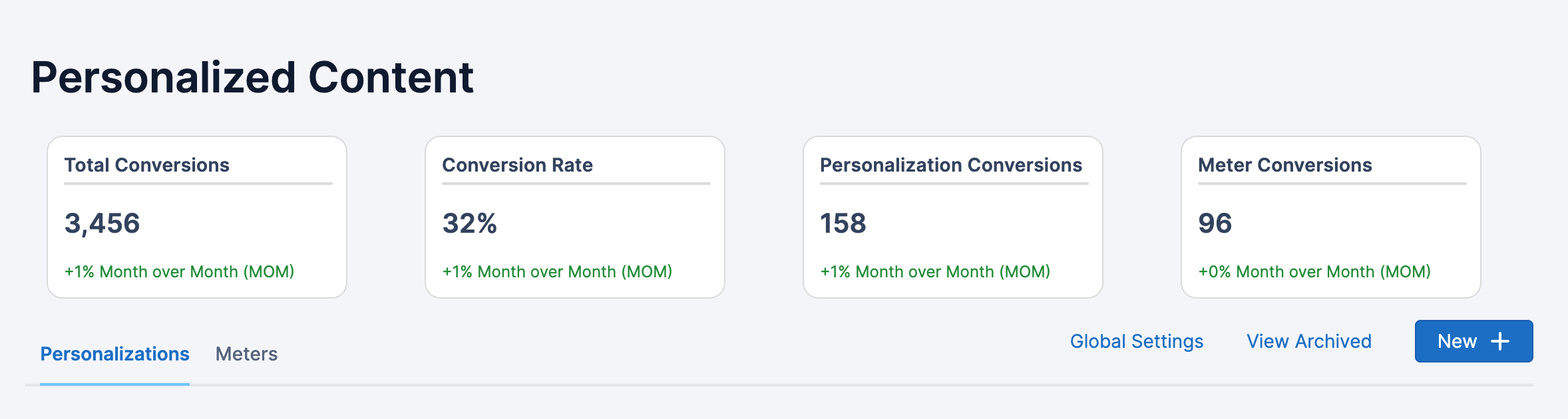
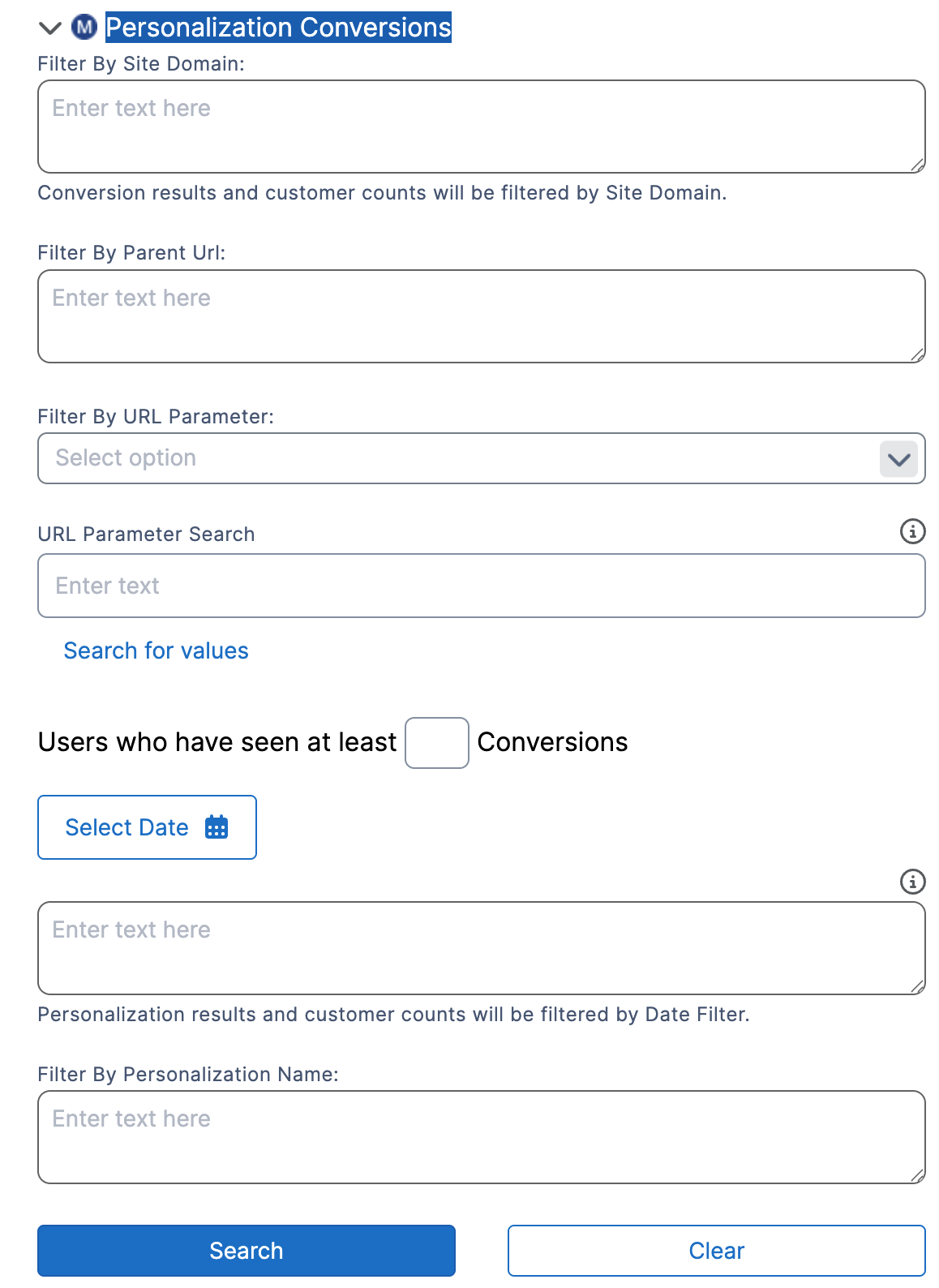
At-a-glance summary tiles on the Personalized Content page display total conversions, conversion rate, and month-over-month trends for both personalizations and meters over the last 30 days. A new Personalization Conversions attribute in Audience Builder allows users to segment and query customers based on their conversion activity, with filters for date range, site domain, personalization name, parent URL, and minimum conversion count. Conversion history is also preserved during customer record merges, ensuring data integrity as records are consolidated.
Other Updates
Subscriptions
Vouchers
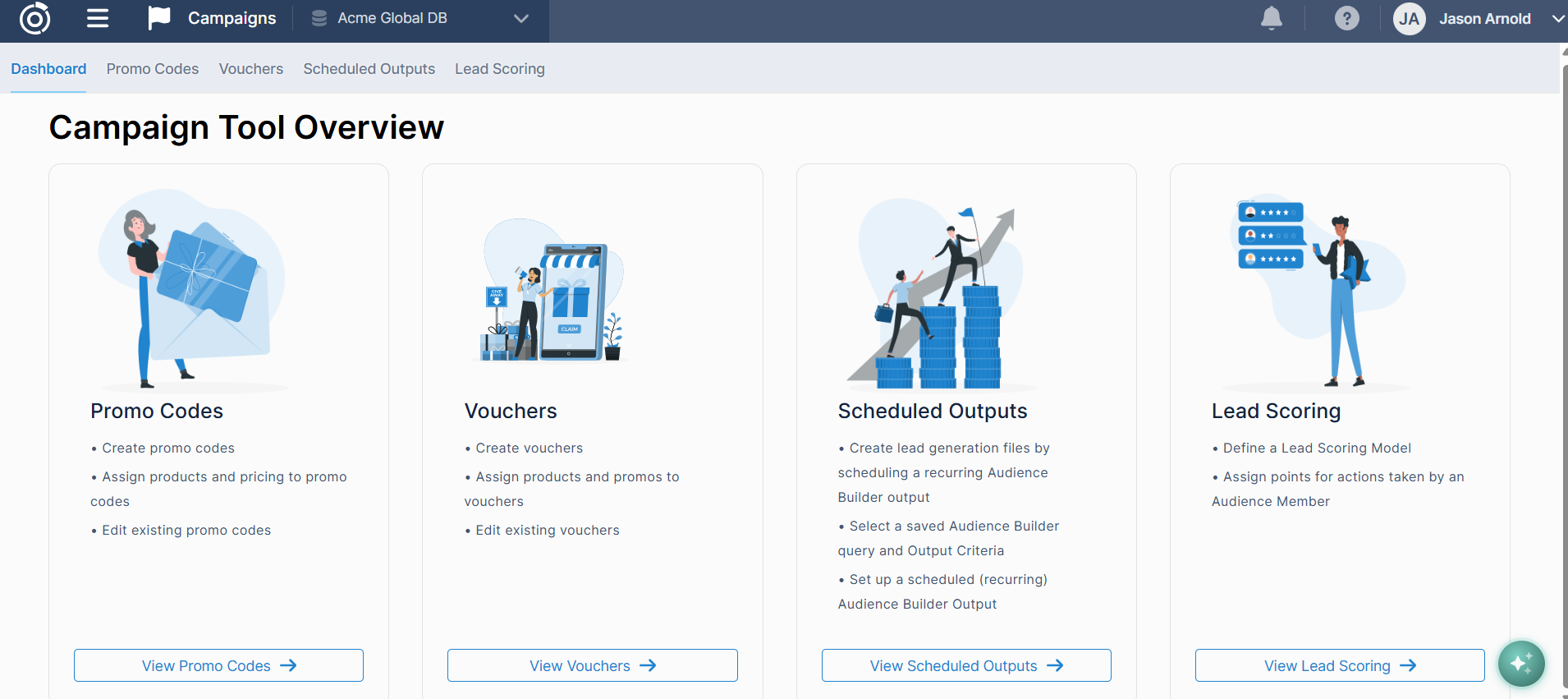
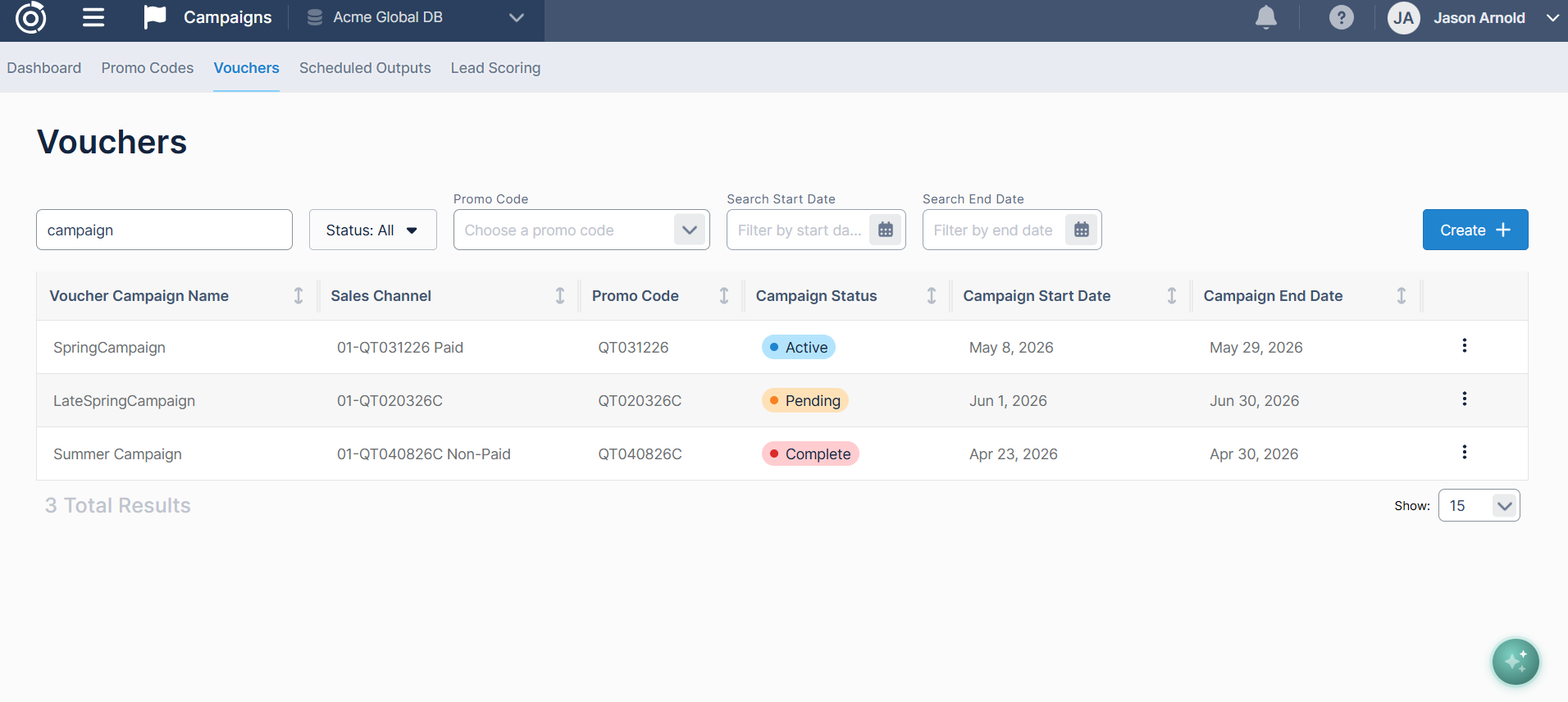
Introducing Vouchers, now available in the Campaigns section of the Omeda platform! Vouchers give users a flexible new way to run promotional pricing campaigns using unique, one-time use codes, perfect for distributing to a partner organization whose audience you want to convert into subscribers. Unlike standard promo codes, each voucher code can only be redeemed once, giving users greater control over their promotions. Users can configure their campaign and choose to either generate voucher codes automatically or upload their own list to share however they'd like.
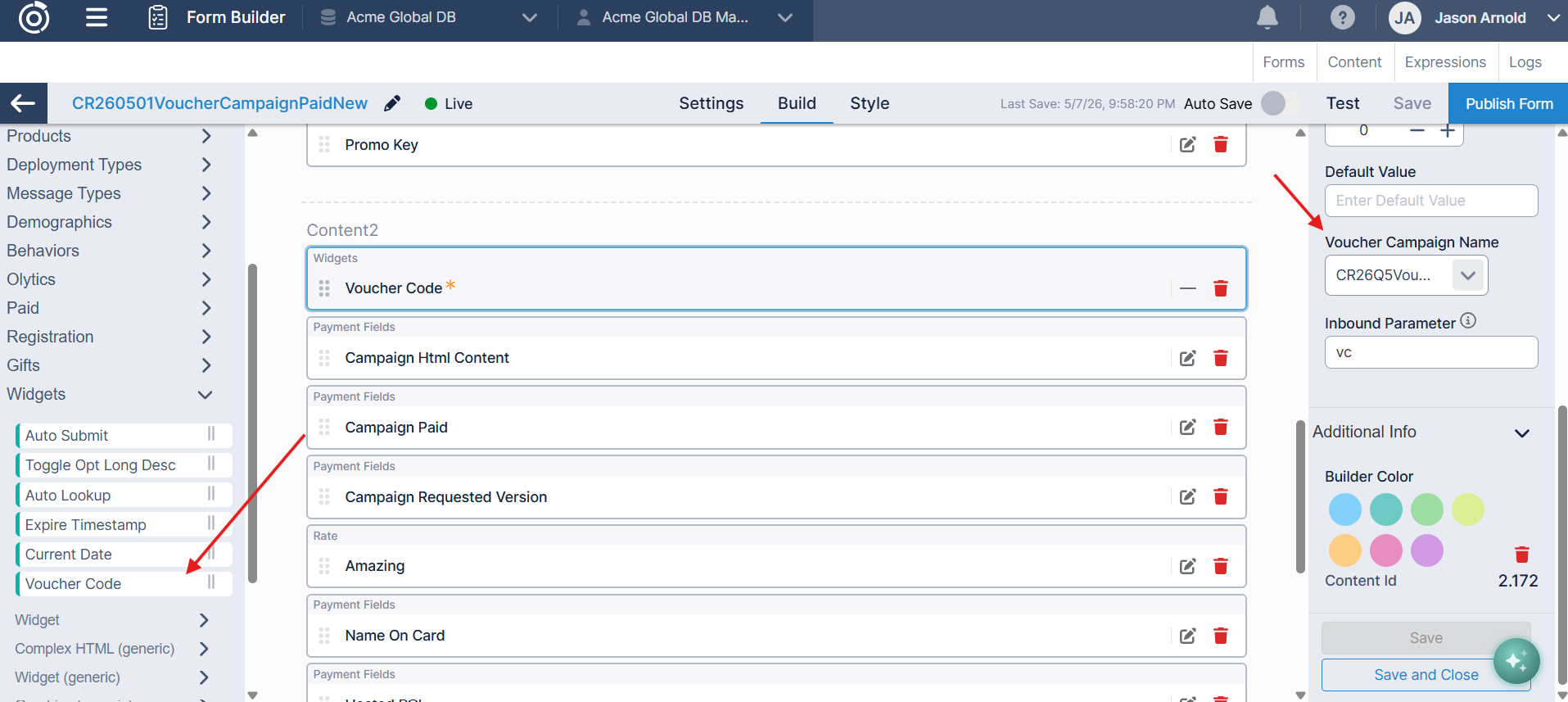
When a reader enters a voucher code on a subscription form, it's validated in real time and the corresponding promotional pricing is applied automatically. Users can configure hourly, daily, or weekly progress updates throughout the campaign along with a final summary report via email once it wraps up, giving full visibility into redemption activity from start to finish.
Audience Search
Audience Search UI Refresh
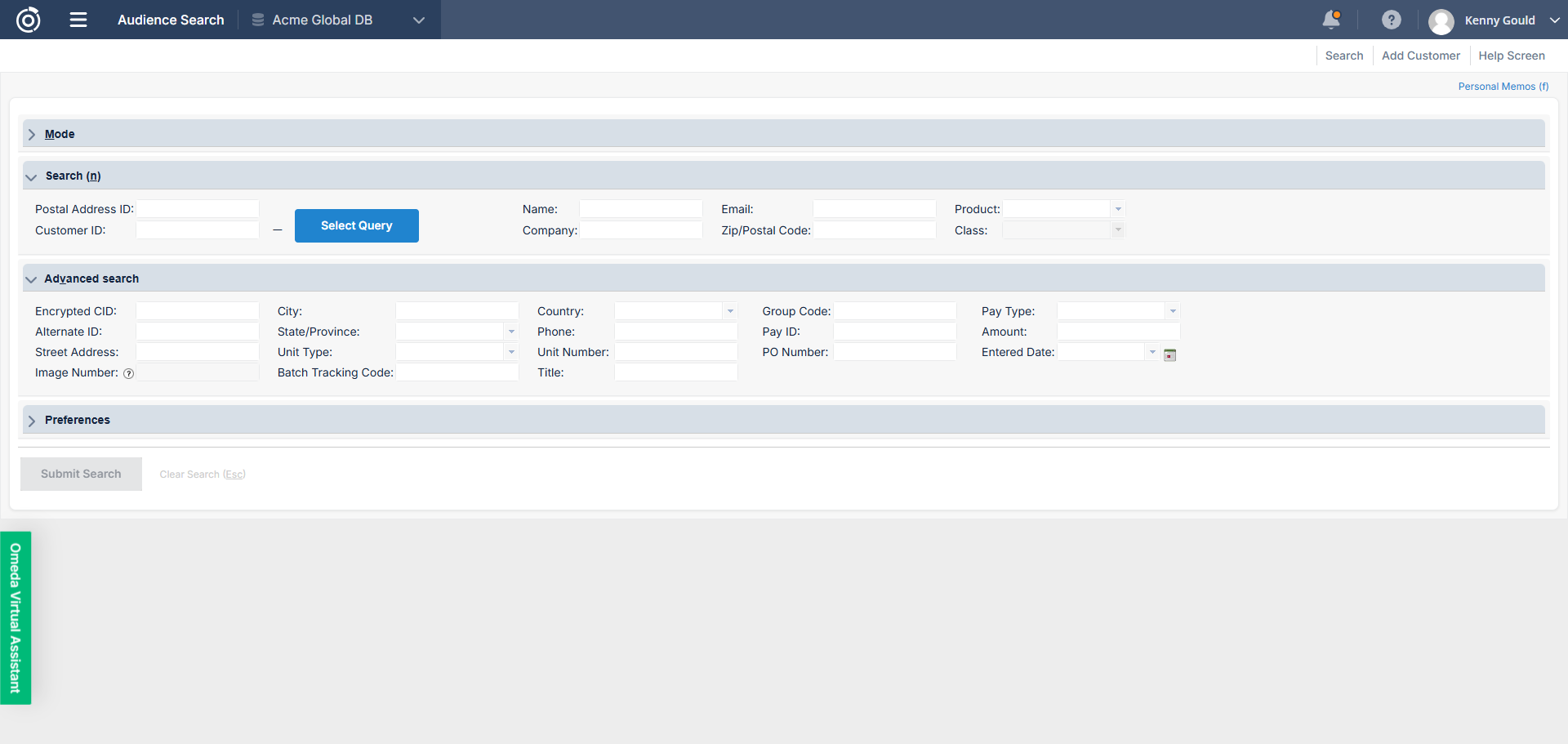
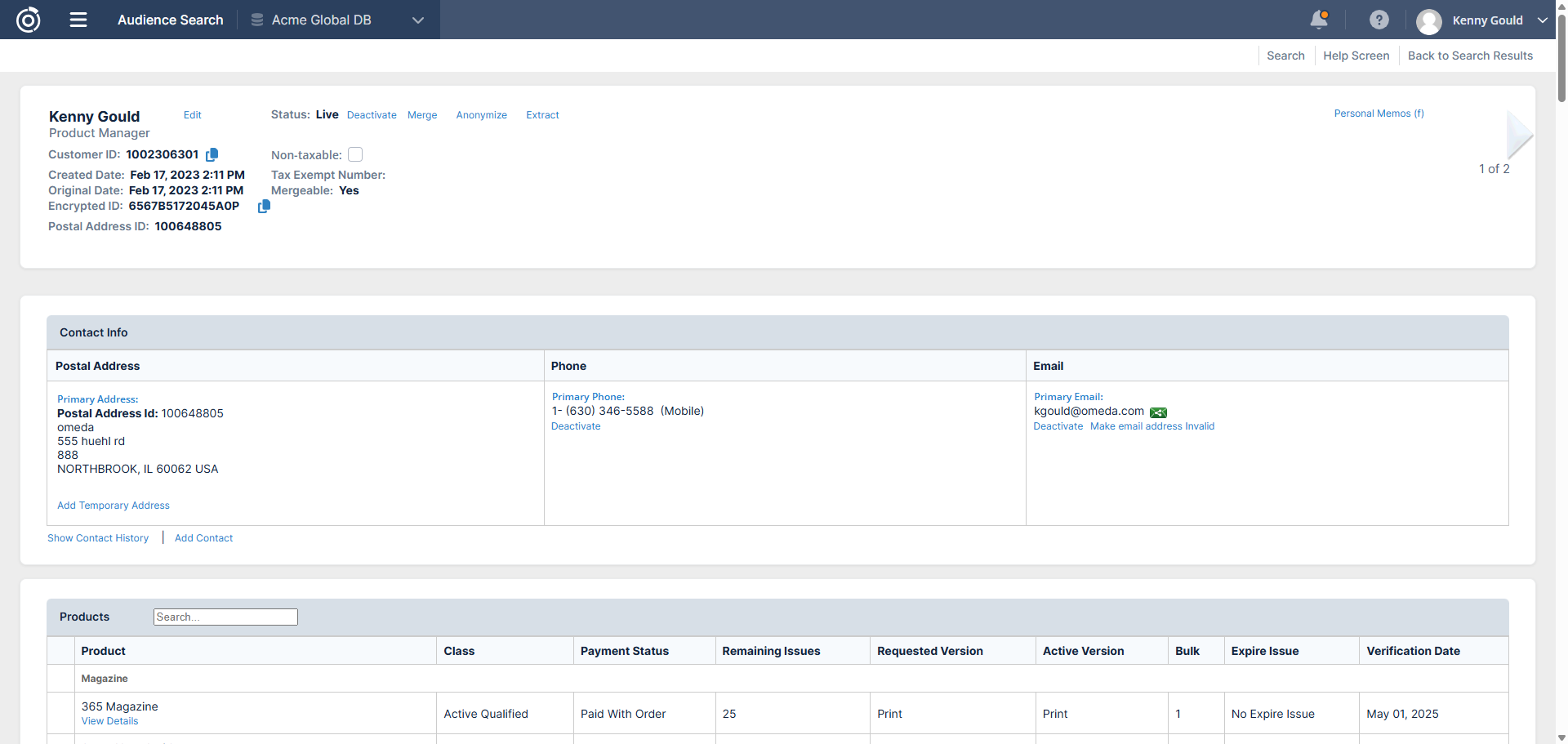
Audience Search now features an updated interface that aligns with the look and feel of our other applications.
This visual update brings a more consistent experience across the platform, with no changes to existing functionality—so you can continue working as usual in a cleaner, more modern UI.
Data Loader
Redefined Batching Status in Webhooks
We’ve refined how the batching status is displayed in Webhooks to better reflect real-time processing.
After introducing batching, the Batching status could appear even when no records were actively being processed—such as while the system was simply waiting for new data. This made it harder to understand when records were truly within the batching window.
With this update, the Batching status will only appear when records are actively in the batching process. This provides a more accurate view of incoming data and system activity. Additionally, the Upload Date for each batch now reflects when the first record in that batch was received.
These changes make it easier to interpret webhook activity and track records as they move through batching.
Bulk Download for Webhook Error Records
We’ve added the ability to download webhook error records in bulk directly from Data Loader, making it easier to diagnose and resolve issues at scale.
Previously, reviewing errors required downloading them one record at a time for records in either the Excessive Error or Completed with Error statuses. This made it time-consuming to identify patterns and fix issues across larger datasets.
With this update, you can filter by these error statuses, select multiple records using the checkbox column, and download all associated errors in a single file. The exported CSV includes file ID, file name, row number, and error description for each selected record.
This enhancement streamlines error analysis and speeds up the process of correcting and reprocessing records—so you can resolve issues more efficiently.
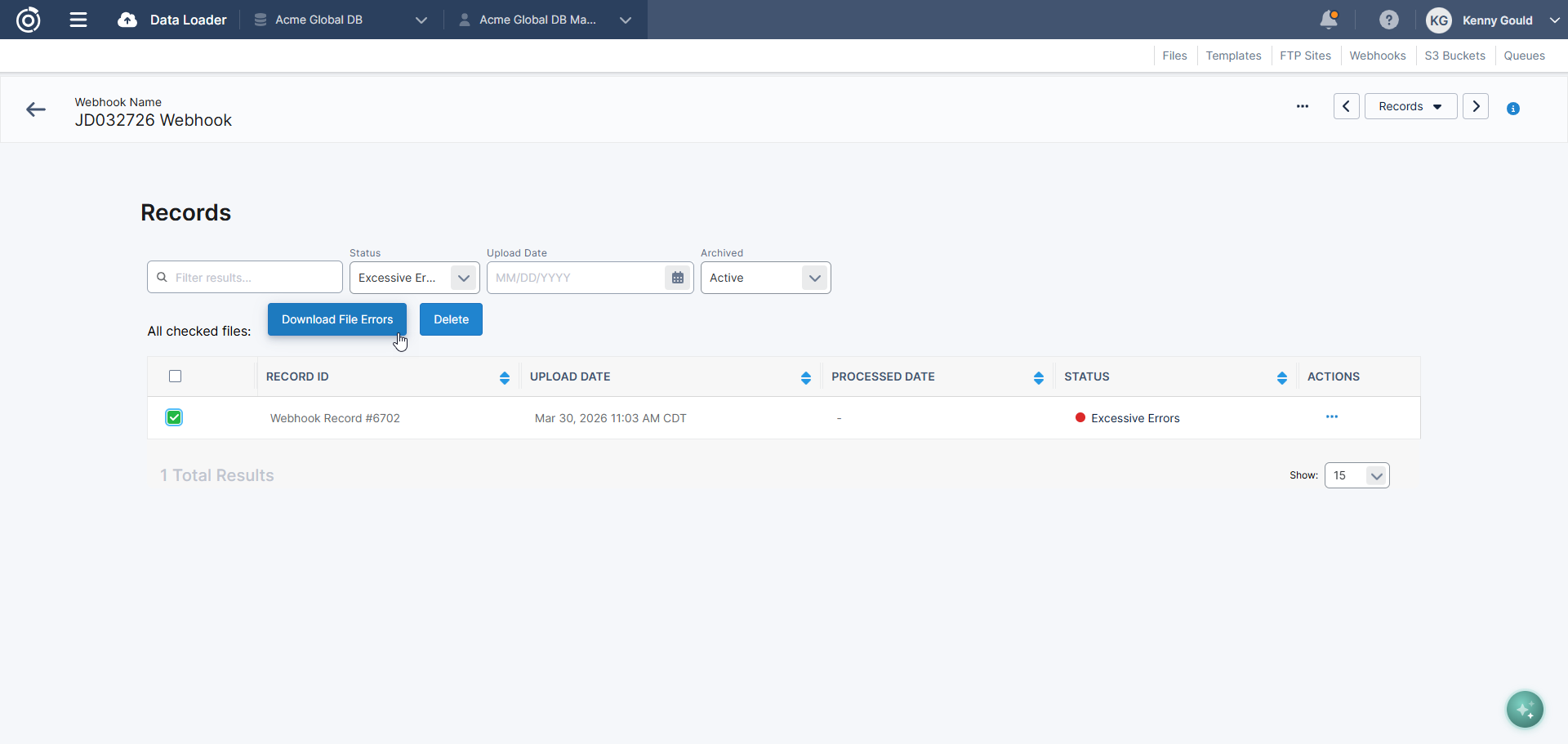
Table of Contents
Questions?
Omeda customers should reach out to their Client Success Manager or search the Knowledge Base for assistance. Comprehensive platform training can also be found on the Omeda Academy.
If you’re new to Omeda, please reach out to sales@omeda.com for assistance.